设计更好作品,
感受更好身体
长时间精修细节会损伤体态。MoveToZero 提醒你站起来活动,让你的身体保持和你的审美一样敏锐。
14 天免费试用,之后仅需 ¥3.00/月。随时取消。
工作日久坐画像
概述
Graphic designers sit 8-12 hours daily, often leaning close to monitors for detailed pixel work. The combination of fine motor control (mouse/tablet) and visual focus creates unique strain on wrists, eyes, and neck. Creative deadlines drive long uninterrupted sessions.
久坐模式
Long design sessions of 3-5 hours during project sprints. Leaning toward the monitor for detail work creates "designer's hunch." Heavy stylus and mouse use causes wrist and forearm strain unique to visual creatives.
高风险时刻
- Client deadline sprints with 10+ hour design days
- Pixel-perfect detail work requiring forward lean for hours
- Revision cycles with back-to-back design sessions
久坐风险矩阵
原因
Precise mouse and stylus control for hours may contribute to wrist strain and carpal tunnel risk. Designers have among the highest rates of repetitive strain injuries due to fine motor demands.
运动建议
Do wrist circles and stretches every 30 minutes. Alternate between mouse and stylus. Take micro-breaks to shake out your hands between design tasks.
原因
Leaning toward the monitor for detail work strains the neck. Extended screen time may contribute to digital eye strain, headaches, and blurred vision — the "designer's double whammy."
运动建议
Sit back and zoom in instead of leaning forward. Follow the 20-20-20 rule. Do neck rolls and look away from the screen during every break.
原因
The "designer's hunch" — rounded shoulders and forward head — develops from hours of leaning toward the screen. This compresses the thoracic spine and restricts breathing.
运动建议
Do doorway chest stretches and shoulder blade squeezes every hour. Set your monitor at arm's length to reduce the urge to lean in.
推荐休息节奏
为什么这样安排
Designers need breaks that protect their wrists and eyes — the two most strained areas. The 45/5 split ensures regular wrist resets and eye breaks. Stepping back from the screen also improves design perspective — you spot issues you missed up close.
MoveToZero 设置建议
Set MoveToZero to 45-minute design blocks with 5-minute movement breaks. Enable the 20-20-20 eye reminder. Use the walking challenge to counter the "designer's hunch" with regular standing breaks.
工位运动推荐
Designer's Wrist Reset
2 minExtend arms forward, make gentle fists. Circle wrists 10 times each direction. Open hands wide, spread fingers, hold 5 seconds. Repeat 5 times. Finish by shaking out both hands. Essential for preventing RSI from stylus and mouse work.
Step-Back Design Review
3 minStand up and step back from your monitor. Walk around your workspace for 2 minutes. This serves double duty: you get movement AND a fresh perspective on your design. You'll spot layout and color issues you missed up close.
Doorway Chest Stretch
1 minStand in a doorway, place forearms on the frame at shoulder height. Lean forward gently until you feel a stretch across your chest. Hold 20 seconds. This directly counters the "designer's hunch" from forward-leaning.
Eye Focus Reset
1 minLook at something far away (out a window if possible) for 20 seconds. Then close your eyes and cover them with your palms for 15 seconds. Open and blink rapidly 10 times. This resets eyes after intense screen focus.
相关工具
Desk Exercise Routine Generator
Generate personalized desk exercise routines based on how long you have been sitting. Get 3, 5, or 10-minute exercise plans you can do right at your desk.
使用工具 →Is Sitting Ruining Your Body? Self-Assessment
Take our free sitting health self-assessment. Check symptoms like back pain, hip tightness, and fatigue to find out if prolonged sitting is damaging your body.
使用工具 →核心功能
不仅仅是提醒,
更是您健康习惯的养成助手
简单三步,重塑您的办公健康习惯。
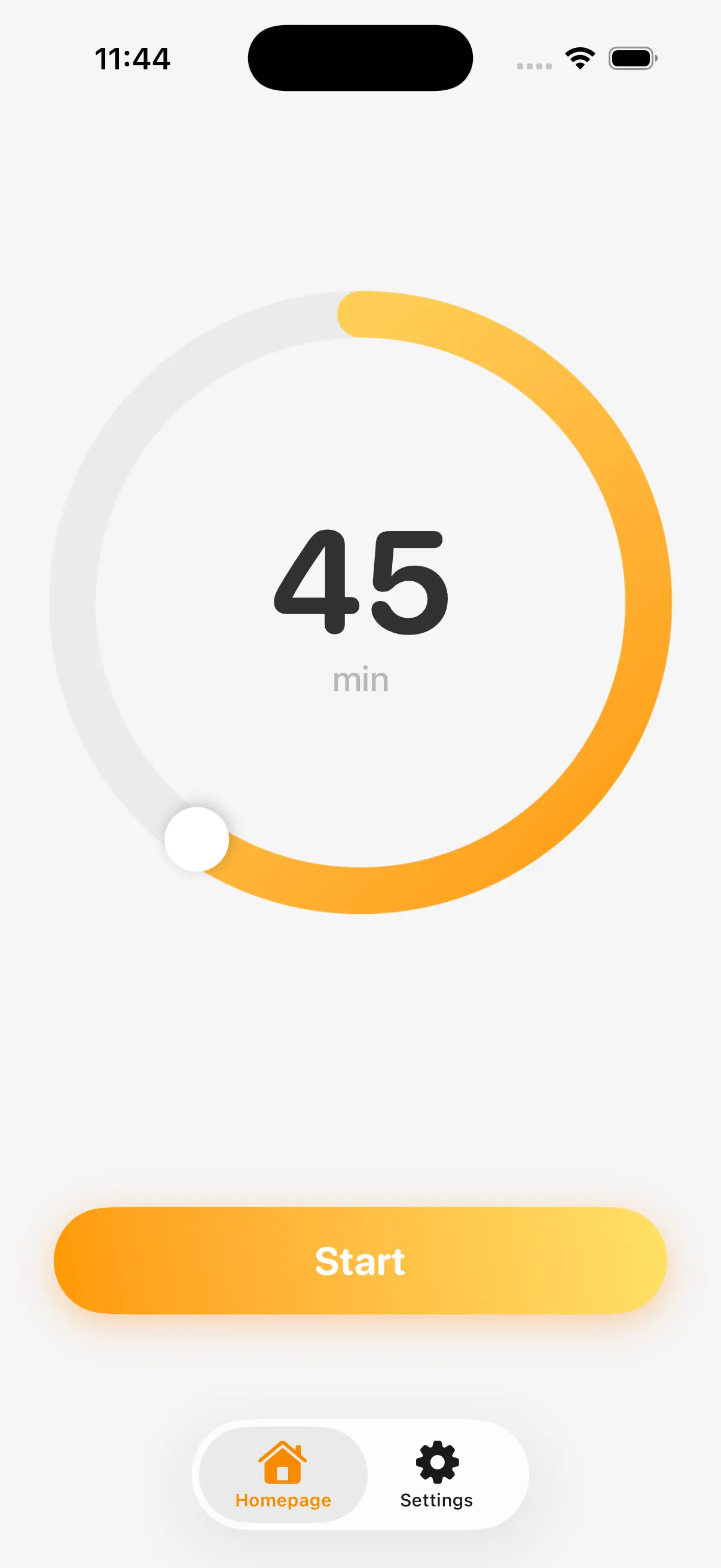
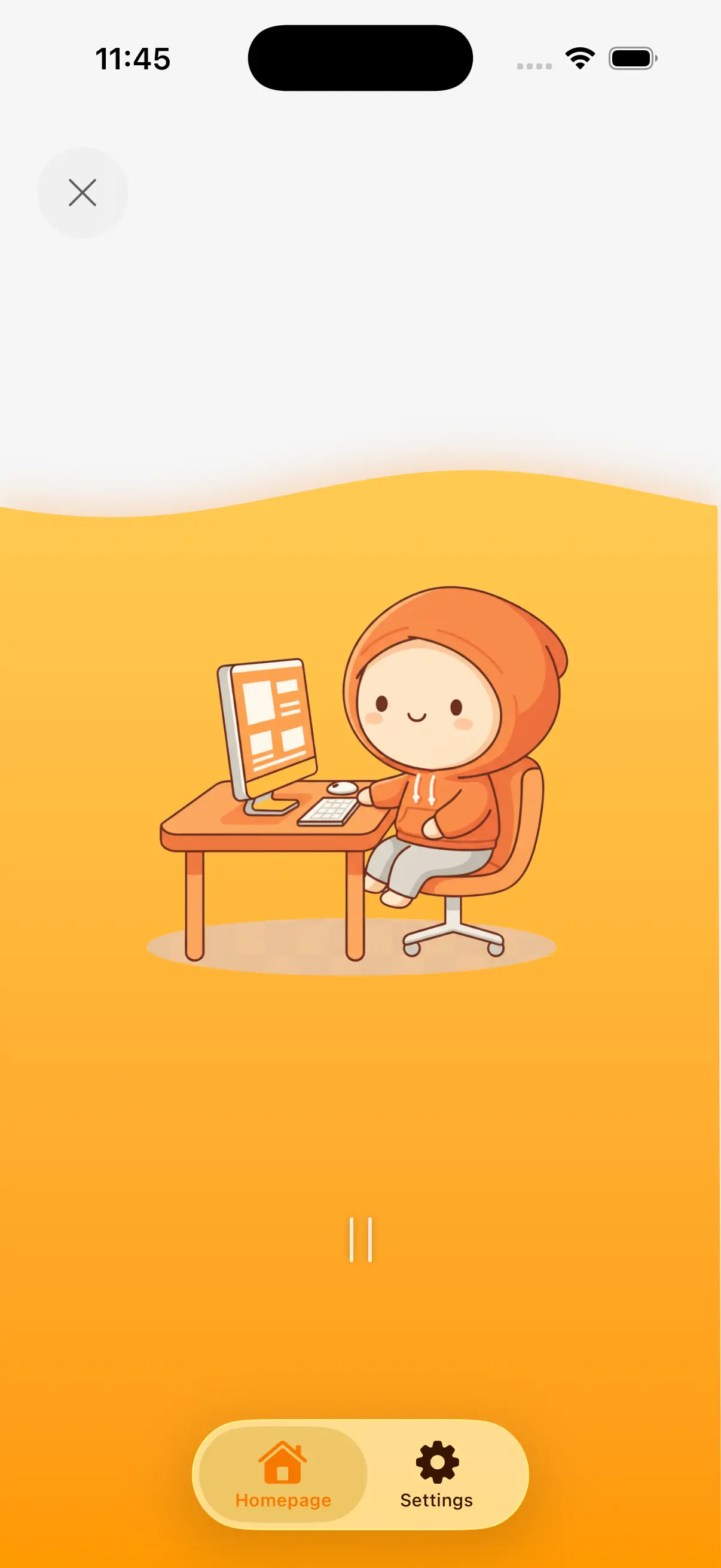
智能计时,专注无忧
深度工作不应被打断。MoveToZero 在后台安静运行,尊重您的工作心流。
告别刺耳闹钟。科学设计的温和提醒,在最佳时刻轻柔唤醒您,完美平衡高效工作与身体健康。
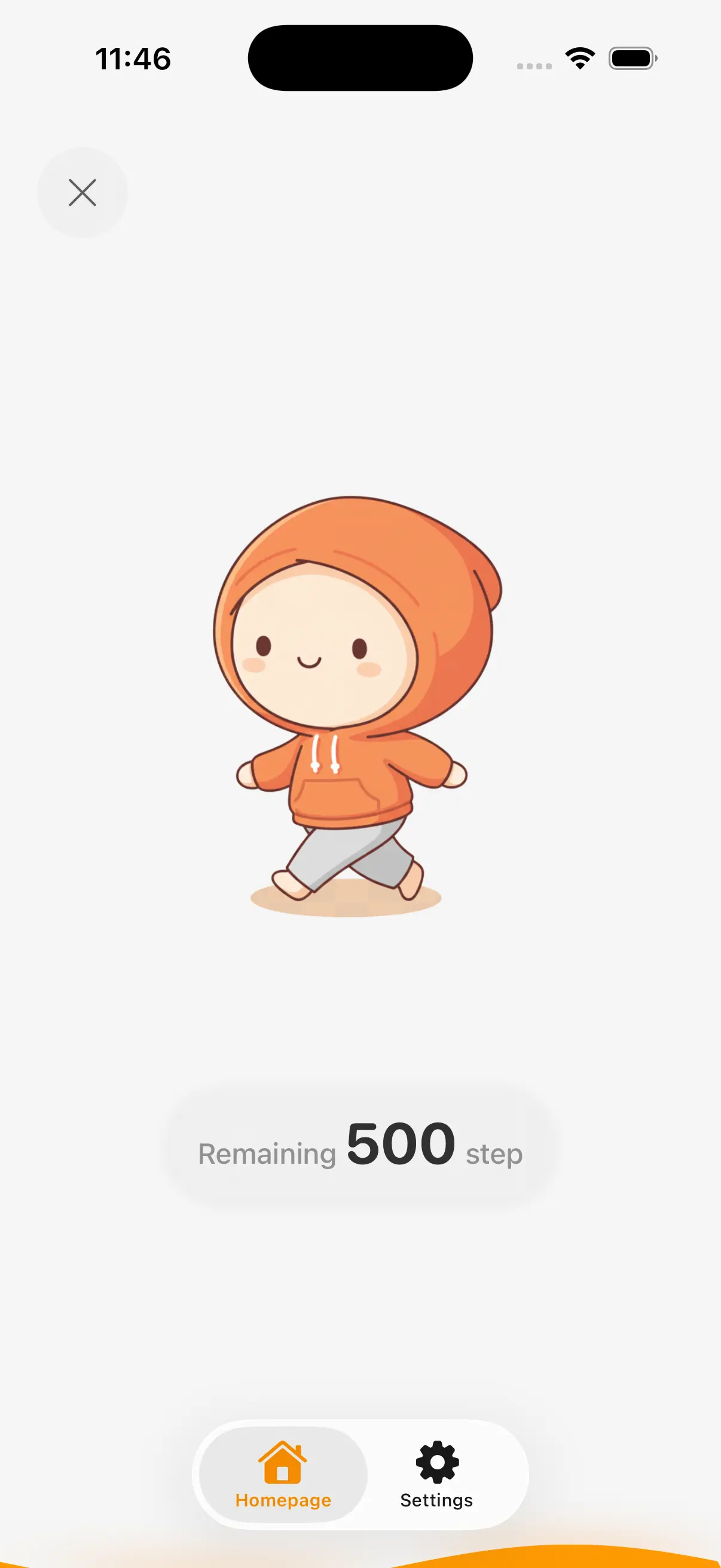
不止站立,动起来
站立只是开始,动起来才健康。MoveToZero 将每次休息转化为充满活力的步行挑战。
利用手机传感器精准计步,拒绝“假装运动”。将被动的站立时间变为积极的微锻炼,瞬间激活身心。
游戏激励,习惯养成
坚持很难?我们把它变成游戏。解锁成就徽章,保持每日连胜,让进步看得见。
正向反馈机制激发您的动力,将枯燥的健康目标转化为您每天期待的有趣日常。
失败追踪,坦诚面对
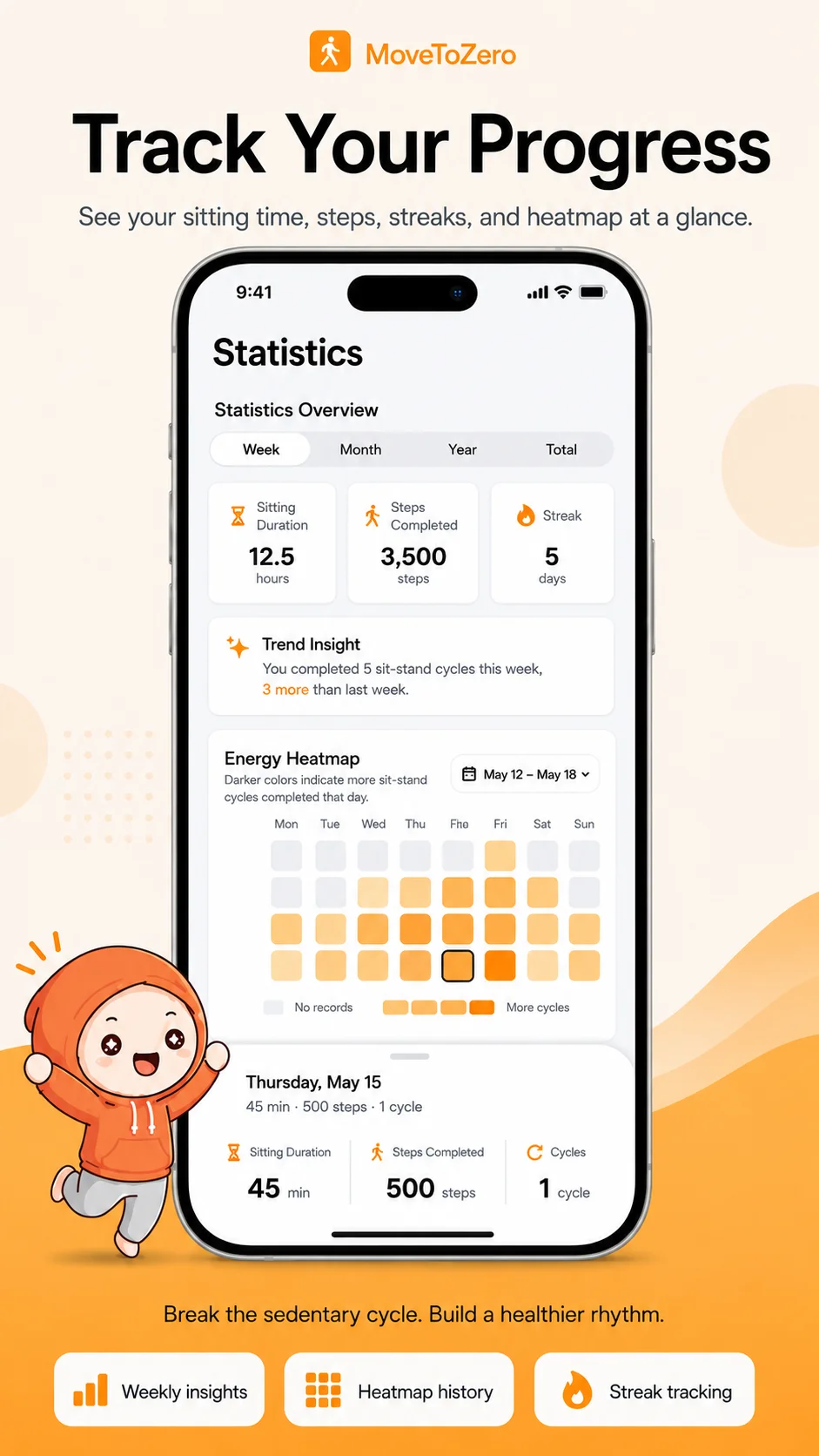
偶尔懈怠很正常。MoveToZero 记录您的未完成时刻,这不仅是数据,更是自我觉察的开始。
发现习惯断点,调整节奏。这是一种无压力的问责方式,助您轻松重回正轨,建立更有韧性的健康生活。
科学背书
MoveToZero 基于经证实的医学研究构建,旨在对抗久坐生活方式的危害。
“梅奥诊所的研究表明,每30分钟打断一次久坐时间,可以显著降低血糖峰值并改善整体代谢健康。”— 梅奥诊所 (Mayo Clinic)
全面健康资源中心
专家支持的内容,帮助您对抗久坐生活方式
常见问题
获取关于 MoveToZero 的常见问题解答。
How do I take breaks without losing creative momentum?
MoveToZero's micro-breaks are designed for creatives. A 2-3 minute walk or stretch actually boosts creative thinking by increasing blood flow to the brain. Many designers find their best ideas come right after a movement break.
What exercises can I do at my design desk?
Wrist circles, shoulder rolls, neck stretches, and standing calf raises are perfect for designers. MoveToZero includes desk-friendly exercise suggestions that won't interrupt your creative flow or require leaving your workspace.
How does screen time affect my eyes and posture as a designer?
Extended screen time causes eye strain (digital eye fatigue) and the "designer's hunch" — a forward head posture from leaning toward monitors. The 20-20-20 rule (every 20 min, look 20 feet away for 20 sec) combined with MoveToZero's standing breaks protects both eyes and spine.
When should I see a doctor about pain from sitting while designing?
If you experience severe or persistent pain, numbness, or tingling that doesn't improve with movement breaks, consult a healthcare professional. MoveToZero is a wellness tool, not a medical device. Early intervention can prevent chronic conditions.