초급• 5 min 읽기
2024. 3. 20.
데스크 업무로 인한 요통
데스크 업무로 인한 요통에 대해 알아보고 직장 건강과 생산성을 향상시키는 실용적인 전략을 발견하십시오.
사무실 요통허리 통증 완화인체공학
오랫동안 픽셀 디테일 작업하면 자세가 무너집니다. MoveToZero는 일어나 움직이도록 상기시켜 주고, 디자인 눈처럼 당신의 몸도 날카롭게 유지합니다.
14일 무료 체험, 이후 월 $0.99. 언제든지 취소 가능.
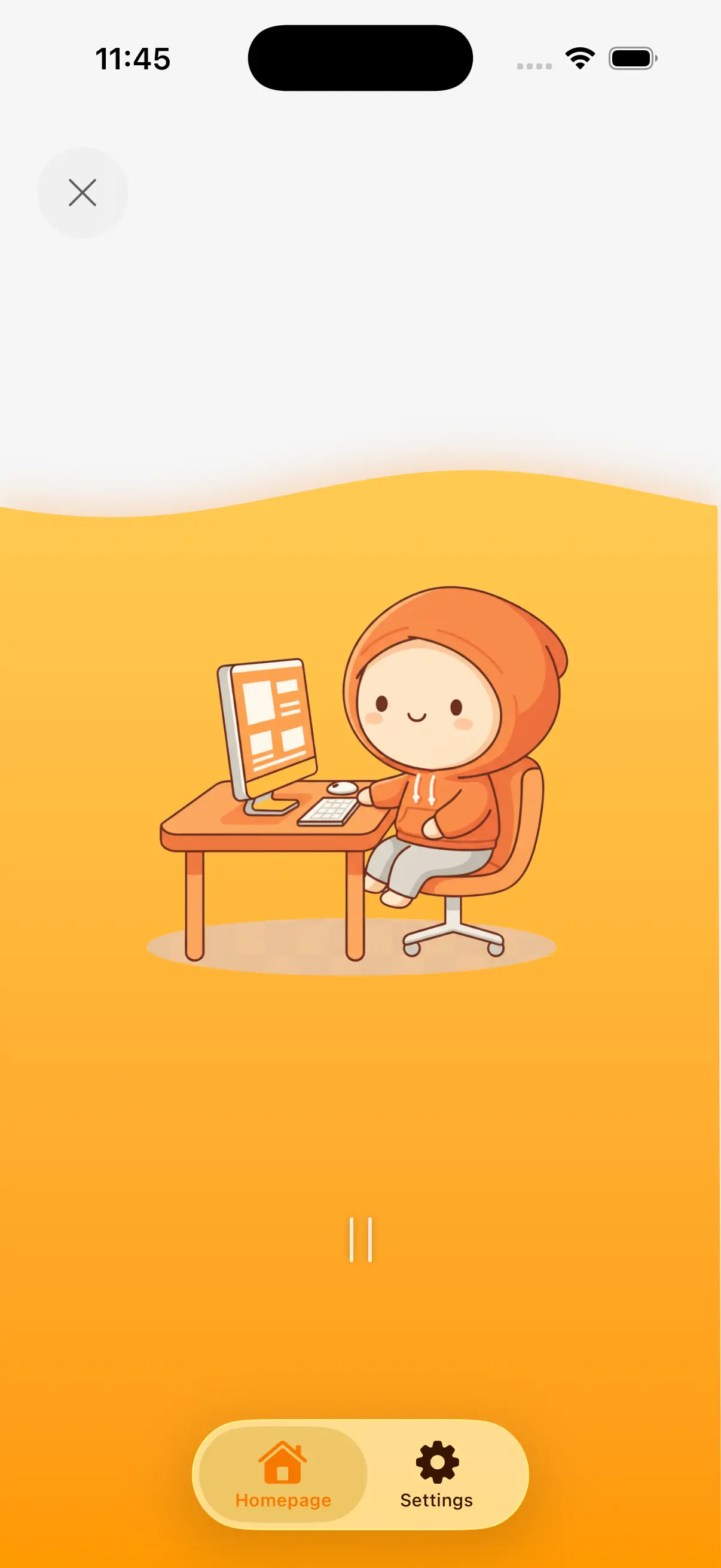
Graphic designers sit 8-12 hours daily, often leaning close to monitors for detailed pixel work. The combination of fine motor control (mouse/tablet) and visual focus creates unique strain on wrists, eyes, and neck. Creative deadlines drive long uninterrupted sessions.
Long design sessions of 3-5 hours during project sprints. Leaning toward the monitor for detail work creates "designer's hunch." Heavy stylus and mouse use causes wrist and forearm strain unique to visual creatives.
Precise mouse and stylus control for hours may contribute to wrist strain and carpal tunnel risk. Designers have among the highest rates of repetitive strain injuries due to fine motor demands.
Do wrist circles and stretches every 30 minutes. Alternate between mouse and stylus. Take micro-breaks to shake out your hands between design tasks.
Leaning toward the monitor for detail work strains the neck. Extended screen time may contribute to digital eye strain, headaches, and blurred vision — the "designer's double whammy."
Sit back and zoom in instead of leaning forward. Follow the 20-20-20 rule. Do neck rolls and look away from the screen during every break.
The "designer's hunch" — rounded shoulders and forward head — develops from hours of leaning toward the screen. This compresses the thoracic spine and restricts breathing.
Do doorway chest stretches and shoulder blade squeezes every hour. Set your monitor at arm's length to reduce the urge to lean in.
Designers need breaks that protect their wrists and eyes — the two most strained areas. The 45/5 split ensures regular wrist resets and eye breaks. Stepping back from the screen also improves design perspective — you spot issues you missed up close.
Set MoveToZero to 45-minute design blocks with 5-minute movement breaks. Enable the 20-20-20 eye reminder. Use the walking challenge to counter the "designer's hunch" with regular standing breaks.
Extend arms forward, make gentle fists. Circle wrists 10 times each direction. Open hands wide, spread fingers, hold 5 seconds. Repeat 5 times. Finish by shaking out both hands. Essential for preventing RSI from stylus and mouse work.
Stand up and step back from your monitor. Walk around your workspace for 2 minutes. This serves double duty: you get movement AND a fresh perspective on your design. You'll spot layout and color issues you missed up close.
Stand in a doorway, place forearms on the frame at shoulder height. Lean forward gently until you feel a stretch across your chest. Hold 20 seconds. This directly counters the "designer's hunch" from forward-leaning.
Look at something far away (out a window if possible) for 20 seconds. Then close your eyes and cover them with your palms for 15 seconds. Open and blink rapidly 10 times. This resets eyes after intense screen focus.
Generate personalized desk exercise routines based on how long you have been sitting. Get 3, 5, or 10-minute exercise plans you can do right at your desk.
Use this tool →Take our free sitting health self-assessment. Check symptoms like back pain, hip tightness, and fatigue to find out if prolonged sitting is damaging your body.
Use this tool →과학 기반 휴식 알림과 게임형 챌린지로 좌식 생활을 바꿔보세요.
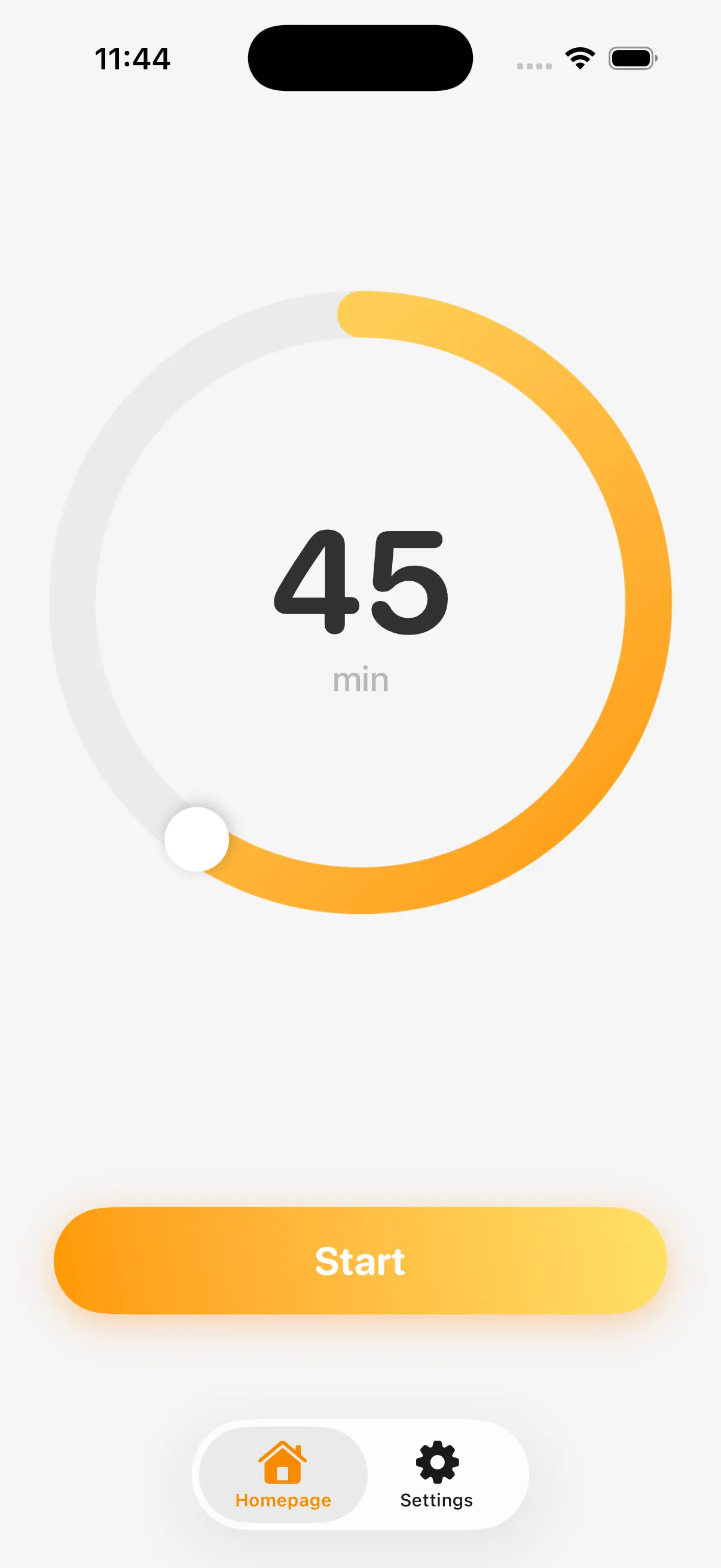
시계 신경쓰지 말고 일에 집중하세요. MoveToZero는 백그라운드에서 조용히 실행되면서 일 흐름을 방해하지 않아요.
적절한 타이밍에 부드럽게 알림이 오니까, 계속 집중하면서도 꼭 필요한 신체 건강도 챙길 수 있죠.
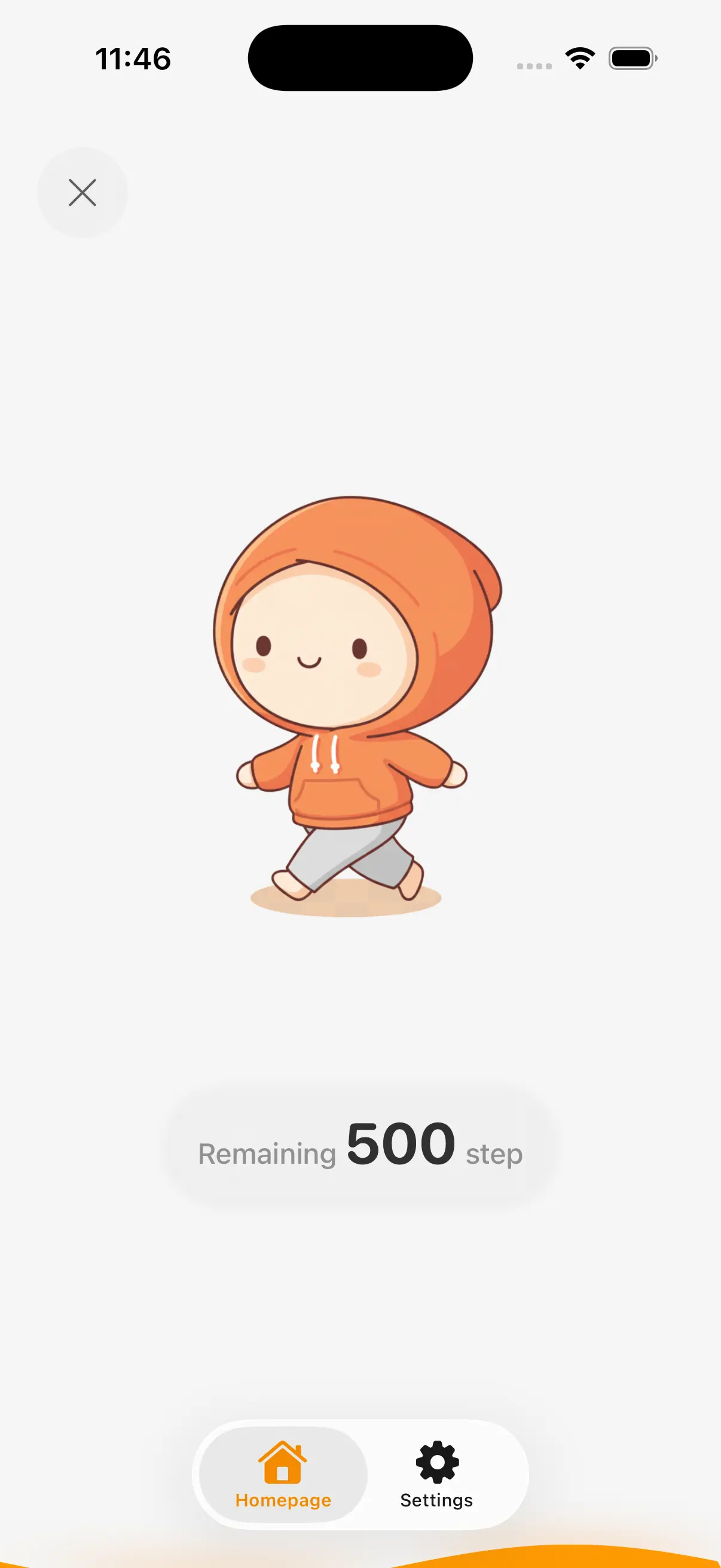
서 있는 것도 좋지만 움직이는 게 더 좋아요. MoveToZero는 모든 휴식을 직접 움직이는 걷기 챌린지로 바꿔줘요.
동작 센서가 걸음을 추적해주니, 가만히 서 있는 게 아니라 진짜 움직일 수 있게 해줘요. 가만히 앉아있는 휴식을 몸과 마음이 상쾌한 능동적 운동으로 바꿔보세요.
습관 만들기가 어렵지만 게임으로 만들면 쉬워요. 연속 기록을 추적하고 뱃지를 잠금 해제하면서 진행 상황이 커지는 걸 지켜보세요.
긍정적 강화 시스템으로 동기가 유지되니까, 매일 건강 목표를 달성하는 게 기대되는 루틴으로 만들어줘요.
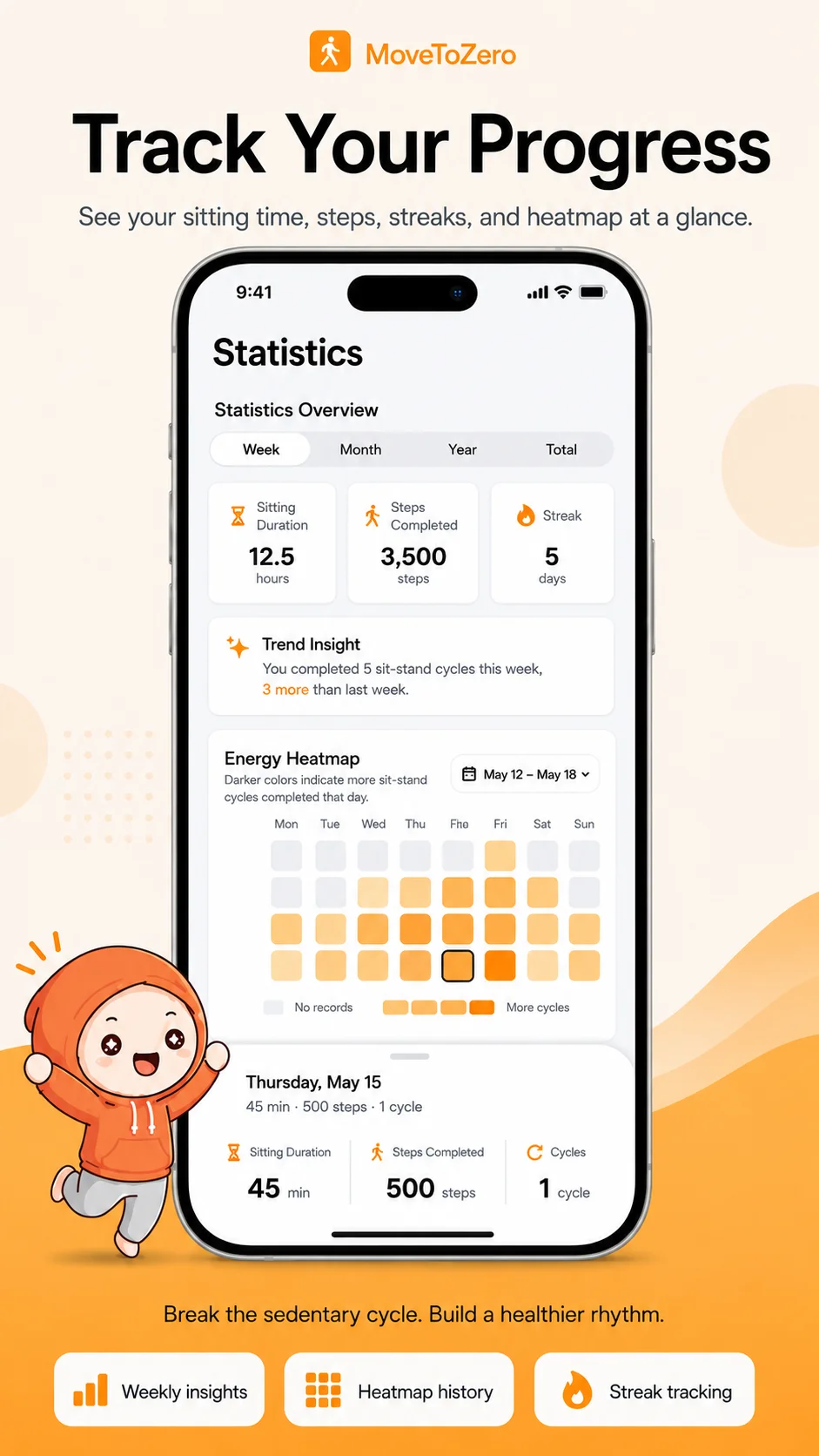
휴식을 놓쳤다고 해도 괜찮아요. MoveToZero는 실패로 생각하지 않고 데이터로 저장해요. 놓친 패턴을 분석해서 문제를 이해할 수 있어요.
언제 휴식을 건너뛰는지 알면 루틴을 조정하면 돼요. 비난하지 않고 책임감을 가지고 회복력 있고 지속 가능한 건강 습관을 만드는 방법이에요.
MoveToZero는 좌식 생활 방식의 위험에 맞서기 위해 검증된 의학 연구를 기반으로 구축되었습니다.
“메이요 클리닉의 연구에 따르면 30분마다 앉아 있는 시간을 중단하면 혈당 스파이크를 크게 줄이고 전반적인 대사 건강을 개선할 수 있습니다.”— 메이요 클리닉 (Mayo Clinic)
좌식 생활 방식을 퇴치하는 데 도움이 되는 전문가 지원 콘텐츠
데스크 업무로 인한 요통에 대해 알아보고 직장 건강과 생산성을 향상시키는 실용적인 전략을 발견하십시오.
심장 건강 및 좌식에 대해 알아보고 직장 건강과 생산성을 향상시키는 실용적인 전략을 발견하십시오.
앉기로 인한 좌골신경통에 대해 알아보고 직장 건강과 생산성을 향상시키는 실용적인 전략을 발견하십시오.
MoveToZero에 대한 자주 묻는 질문의 답변을 확인하세요.
MoveToZero's micro-breaks are designed for creatives. A 2-3 minute walk or stretch actually boosts creative thinking by increasing blood flow to the brain. Many designers find their best ideas come right after a movement break.
Wrist circles, shoulder rolls, neck stretches, and standing calf raises are perfect for designers. MoveToZero includes desk-friendly exercise suggestions that won't interrupt your creative flow or require leaving your workspace.
Extended screen time causes eye strain (digital eye fatigue) and the "designer's hunch" — a forward head posture from leaning toward monitors. The 20-20-20 rule (every 20 min, look 20 feet away for 20 sec) combined with MoveToZero's standing breaks protects both eyes and spine.
If you experience severe or persistent pain, numbness, or tingling that doesn't improve with movement breaks, consult a healthcare professional. MoveToZero is a wellness tool, not a medical device. Early intervention can prevent chronic conditions.
MoveToZero로 집중력과 신체적 웰빙을 개선하는 수천 명의 전문가와 함께하세요. 오늘 14일 무료 평가판을 시작하세요.
App Store에서 다운로드14일 무료 체험, 이후 월 $0.99. 언제든지 취소 가능.