beginner• 5 min read
3/20/2024
Back Pain from Desk Work
Learn about Back Pain from Desk Work and discover practical strategies to improve your workplace health and productivity.
desk back painlower back reliefergonomics
Long hours detailing pixels can wreck your posture. MoveToZero reminds you to stand up and move, keeping your body as sharp as your eye for design.
14-day free trial, then just $0.99/mo. Cancel anytime.
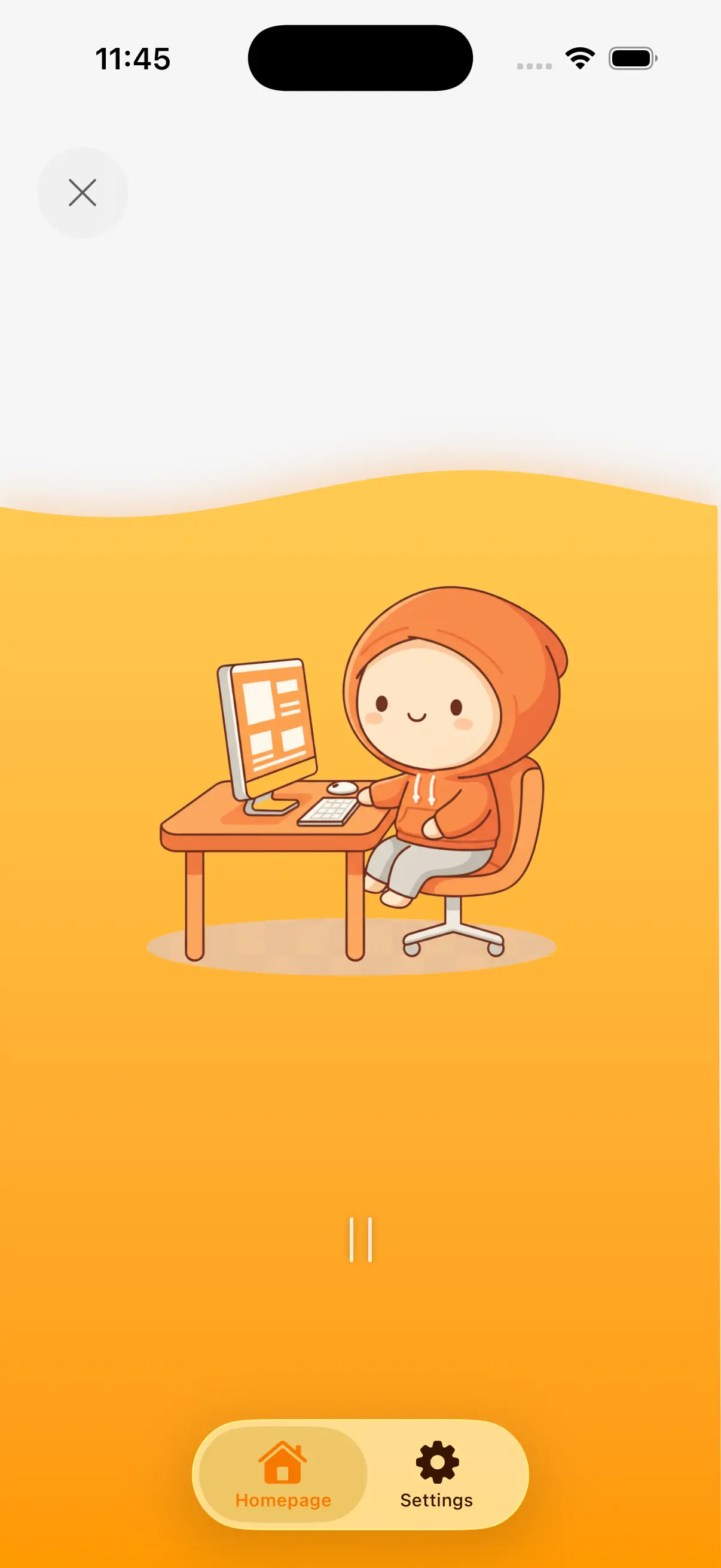
Graphic designers sit 8-12 hours daily, often leaning close to monitors for detailed pixel work. The combination of fine motor control (mouse/tablet) and visual focus creates unique strain on wrists, eyes, and neck. Creative deadlines drive long uninterrupted sessions.
Long design sessions of 3-5 hours during project sprints. Leaning toward the monitor for detail work creates "designer's hunch." Heavy stylus and mouse use causes wrist and forearm strain unique to visual creatives.
Precise mouse and stylus control for hours may contribute to wrist strain and carpal tunnel risk. Designers have among the highest rates of repetitive strain injuries due to fine motor demands.
Do wrist circles and stretches every 30 minutes. Alternate between mouse and stylus. Take micro-breaks to shake out your hands between design tasks.
Leaning toward the monitor for detail work strains the neck. Extended screen time may contribute to digital eye strain, headaches, and blurred vision — the "designer's double whammy."
Sit back and zoom in instead of leaning forward. Follow the 20-20-20 rule. Do neck rolls and look away from the screen during every break.
The "designer's hunch" — rounded shoulders and forward head — develops from hours of leaning toward the screen. This compresses the thoracic spine and restricts breathing.
Do doorway chest stretches and shoulder blade squeezes every hour. Set your monitor at arm's length to reduce the urge to lean in.
Designers need breaks that protect their wrists and eyes — the two most strained areas. The 45/5 split ensures regular wrist resets and eye breaks. Stepping back from the screen also improves design perspective — you spot issues you missed up close.
Set MoveToZero to 45-minute design blocks with 5-minute movement breaks. Enable the 20-20-20 eye reminder. Use the walking challenge to counter the "designer's hunch" with regular standing breaks.
Extend arms forward, make gentle fists. Circle wrists 10 times each direction. Open hands wide, spread fingers, hold 5 seconds. Repeat 5 times. Finish by shaking out both hands. Essential for preventing RSI from stylus and mouse work.
Stand up and step back from your monitor. Walk around your workspace for 2 minutes. This serves double duty: you get movement AND a fresh perspective on your design. You'll spot layout and color issues you missed up close.
Stand in a doorway, place forearms on the frame at shoulder height. Lean forward gently until you feel a stretch across your chest. Hold 20 seconds. This directly counters the "designer's hunch" from forward-leaning.
Look at something far away (out a window if possible) for 20 seconds. Then close your eyes and cover them with your palms for 15 seconds. Open and blink rapidly 10 times. This resets eyes after intense screen focus.
Generate personalized desk exercise routines based on how long you have been sitting. Get 3, 5, or 10-minute exercise plans you can do right at your desk.
Use this tool →Take our free sitting health self-assessment. Check symptoms like back pain, hip tightness, and fatigue to find out if prolonged sitting is damaging your body.
Use this tool →Combat sedentary lifestyle with science-backed break reminders and gamified challenges.
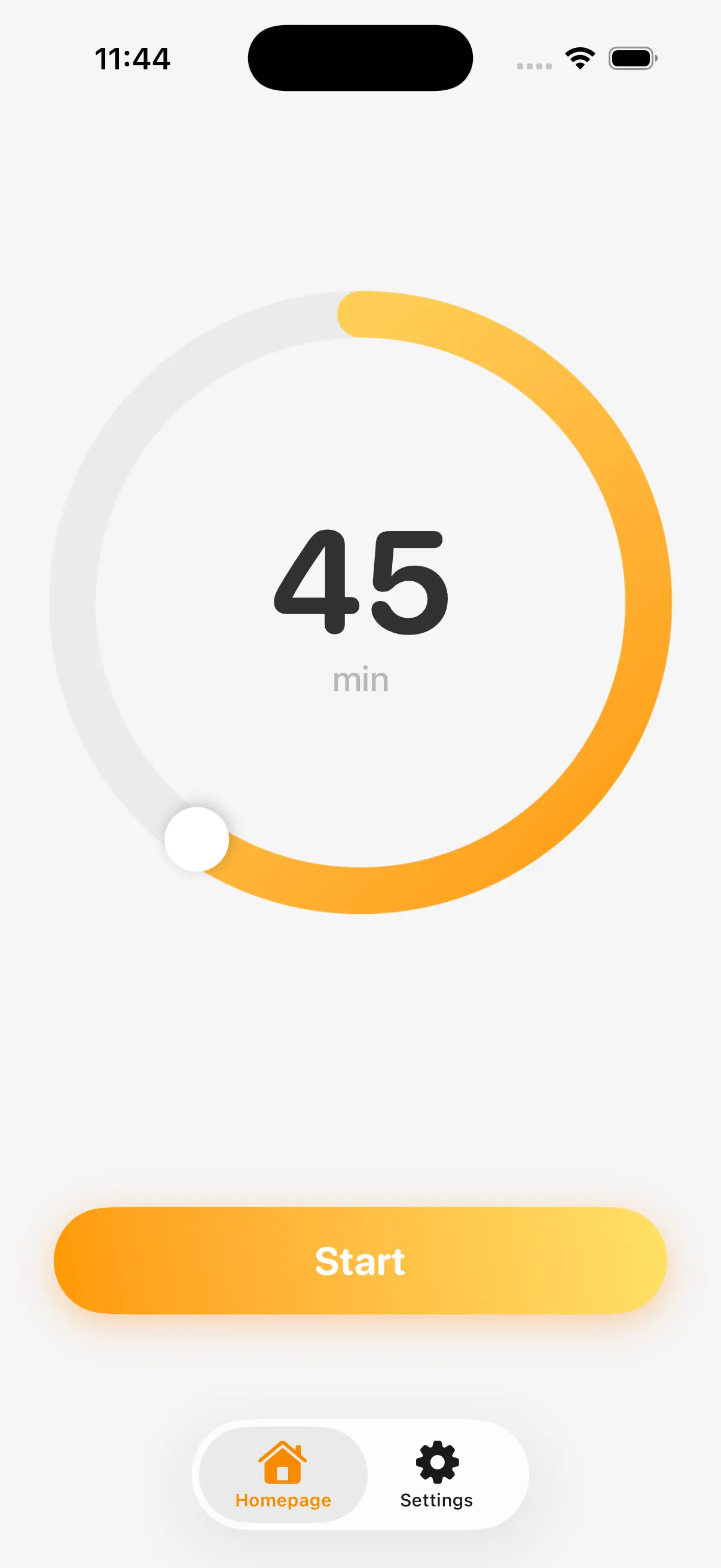
Focus on deep work, not the clock. MoveToZero runs quietly in the background, respecting your workflow.
Our gentle, science-backed nudges remind you to move at the perfect time, balancing sustained productivity with essential physical well-being.
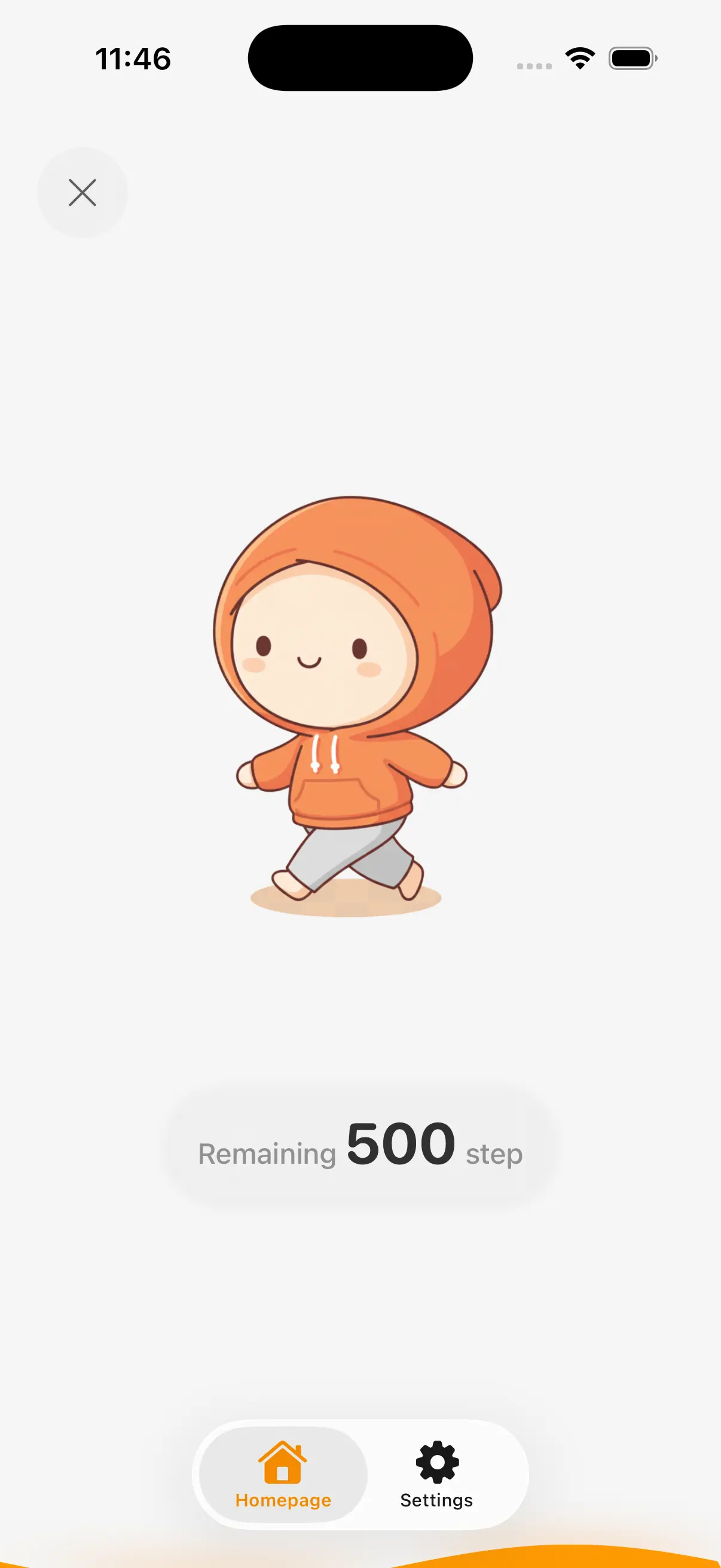
Standing is good; moving is better. MoveToZero turns every break into a dynamic walking challenge.
Using motion sensors, we track meaningful steps—not just standing still. Turn passive breaks into active micro-workouts that energize your body and mind.
Building habits is hard. We make it a game. Track your streaks, unlock badges, and watch your progress grow.
Our positive reinforcement system taps into your motivation, turning daily health goals into a rewarding routine you'll actually look forward to.
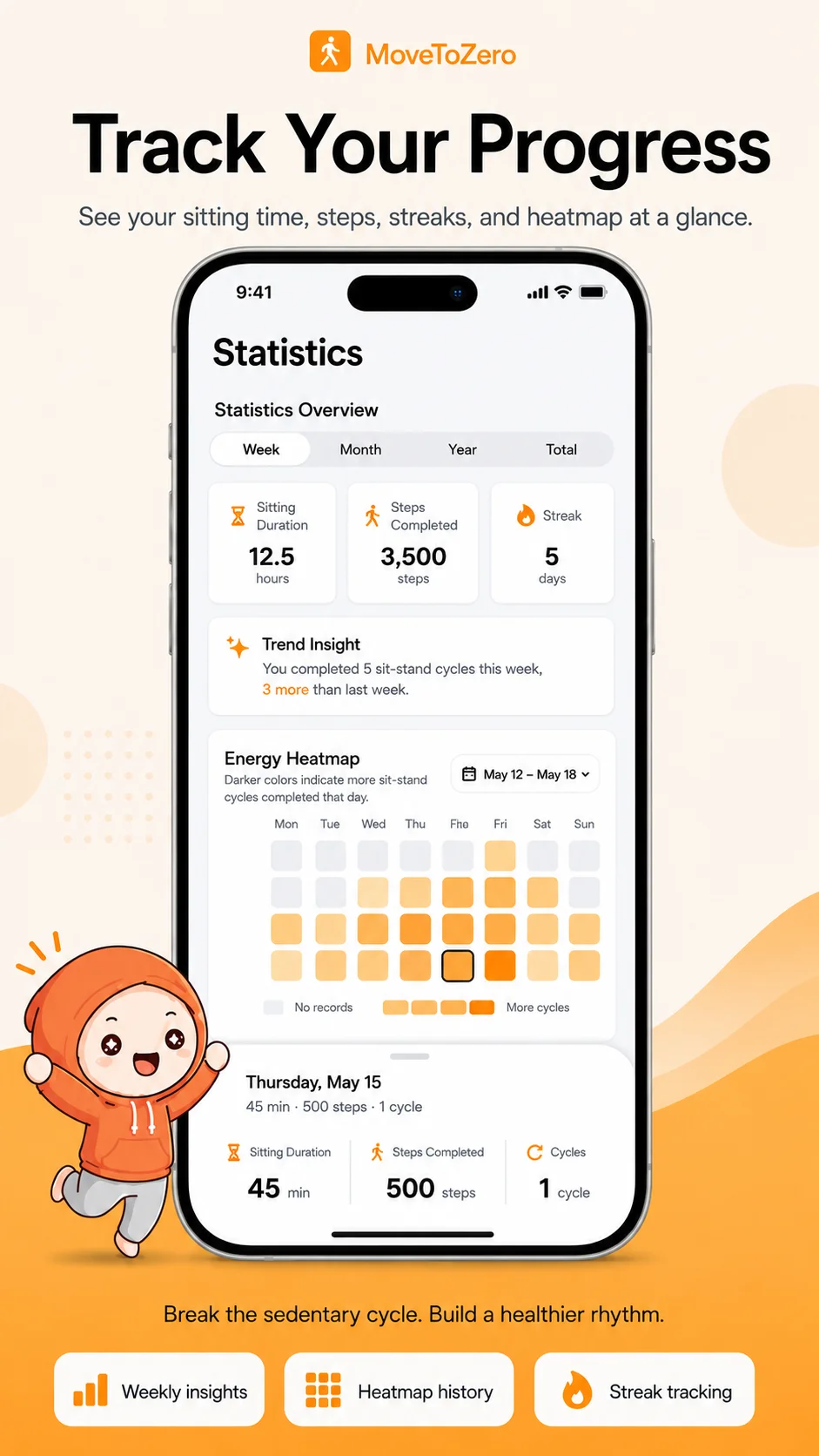
Missed a break? It happens. MoveToZero treats it as data, not failure. Track missed goals to understand your patterns.
Identify when you skip breaks and adjust your routine. It’s a judgment-free way to stay accountable and build a resilient, sustainable health habit.
MoveToZero is built on proven medical research to combat the dangers of a sedentary lifestyle.
“Research from the Mayo Clinic suggests that breaking up sitting time every 30 minutes can significantly reduce blood sugar spikes and improve overall metabolic health.”— Mayo Clinic
Expert-backed content to help you combat sedentary lifestyle
Comprehensive guide to health risks of prolonged sitting
Read Complete GuideLearn about Back Pain from Desk Work and discover practical strategies to improve your workplace health and productivity.
Learn about Metabolic Syndrome Risk and discover practical strategies to improve your workplace health and productivity.
Learn about Heart Health & Sitting and discover practical strategies to improve your workplace health and productivity.
Learn about Sciatica from Sitting and discover practical strategies to improve your workplace health and productivity.
Get answers to common questions about MoveToZero.
MoveToZero's micro-breaks are designed for creatives. A 2-3 minute walk or stretch actually boosts creative thinking by increasing blood flow to the brain. Many designers find their best ideas come right after a movement break.
Wrist circles, shoulder rolls, neck stretches, and standing calf raises are perfect for designers. MoveToZero includes desk-friendly exercise suggestions that won't interrupt your creative flow or require leaving your workspace.
Extended screen time causes eye strain (digital eye fatigue) and the "designer's hunch" — a forward head posture from leaning toward monitors. The 20-20-20 rule (every 20 min, look 20 feet away for 20 sec) combined with MoveToZero's standing breaks protects both eyes and spine.
If you experience severe or persistent pain, numbness, or tingling that doesn't improve with movement breaks, consult a healthcare professional. MoveToZero is a wellness tool, not a medical device. Early intervention can prevent chronic conditions.
Join thousands of professionals improving their focus and physical well-being with MoveToZero. Start your 14-day free trial today.
Download on App Store14-day free trial, then just $0.99/mo. Cancel anytime.